We may earn a commission through affiliate links, at no separate charge from VerdictSift. Ordinary manufacturer links are also included. How our links work.
Start with hand fit, familiar movement and connection compatibility. Extra buttons and premium features are worthwhile only when they improve tasks you repeat.
Your options, at a glance
Start with the way you will use it, then decide which compromise makes sense.
| Option | A good fit for | The tradeoff |
|---|---|---|
| Compact wireless mouse | Travel and limited bag space | May feel small for extended desk use |
| Full-size office mouse | Daily desk work | Takes more space in a bag |
| Vertical mouse or trackball | Users seeking a different movement style | Requires personal fit and adjustment |
Begin with the hand that uses it
A mouse is a small object you may handle for hours. Size and shape deserve more attention than the photograph on the box. Notice how you hold your current mouse and what you like or dislike about it. A compact travel model and a larger desk model can feel quite different during the same task.
If possible, try a candidate before committing, or use a suitable return policy for a clean indoor trial. Comfort is personal. A product described as ergonomic is not a guarantee of a particular health outcome, and a shape that suits one person may feel awkward to another.
Choose a shape you can control comfortably
Conventional mice, vertical designs and trackballs involve different hand positions and movement patterns. Changing the shape may take practice. Do not assume a more unusual design is automatically an upgrade for every user or every task.
Check whether a model is intended for your dominant hand. Some shapes are strongly handed, while others are more symmetrical. Button placement should make common actions easy without accidental presses. If you use a mouse for detailed work, assess how it feels during that work rather than only moving the pointer around an empty desktop.
Match the connection to the workspace
Bluetooth can avoid using a USB port, while a dedicated receiver may offer a convenient connection method for a particular setup. Check the product's supported systems and connection options. Do not assume every receiver works interchangeably with every mouse from the same brand.
If you switch between devices, read the specific switching behavior and any software requirements. A button that selects another computer may be enough; more elaborate cross-device features may require installation or permissions you cannot use on a work machine. Confirm those constraints before paying for them.
Think about charging and batteries
Rechargeable models fit a regular charging routine, while replaceable-battery models need a supply of the correct battery type. Neither is automatically better. Consider whether you want to carry a cable, keep spare batteries or share the mouse between workspaces.
Read battery-life claims with their conditions, and check how the mouse warns you about a low charge. Some products can be used while connected in certain ways; others cannot. Verify the actual behavior rather than discovering it during a deadline. A predictable power routine is often more useful than an impressive maximum-life claim.
Buy buttons for tasks you can name
Extra buttons can help with repeated actions such as navigating documents or switching tools. They are less useful if you never configure them or if required software is unavailable on your computer. Start by identifying one or two actions you repeat frequently.
The scroll wheel also deserves attention. Different wheel modes and side-scrolling features may be useful for long documents or spreadsheets. Try the feel where possible. Very high sensor numbers are not a complete description of everyday control, and they should not distract from fit, reliable connection and comfortable clicking.
Evaluate it in the actual desk arrangement
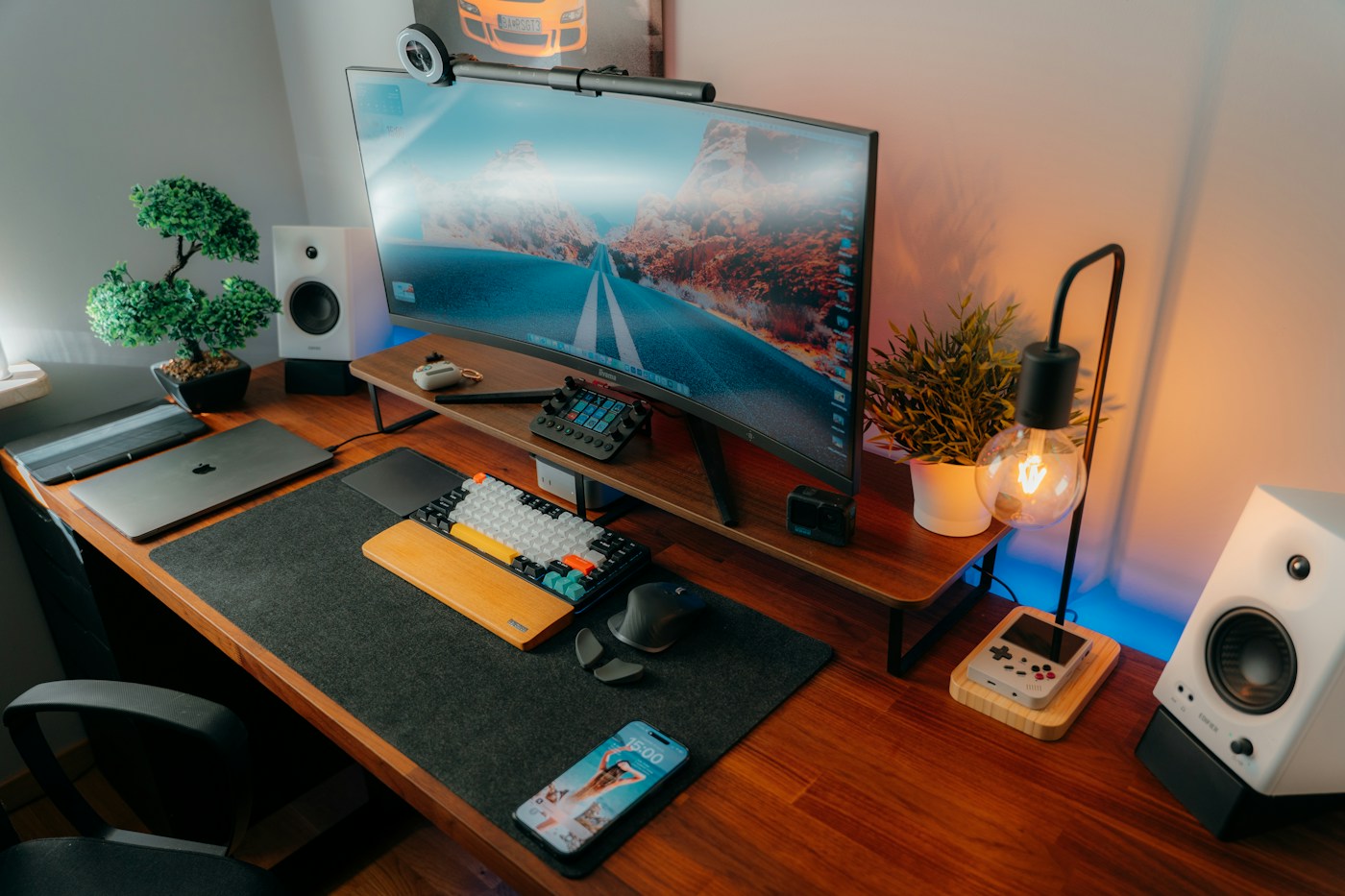
Use the mouse on your normal surface with your keyboard and monitor in their usual positions. Check how far you reach and whether cables or nearby objects interfere. A new mouse cannot solve every issue created by an awkward desk layout.
Our starting recommendation is a simple, well-supported model that fits your hand and connection needs. Choose a specialized shape or premium feature when it addresses a clear repeated task. Keep the evaluation practical: can you work comfortably, find the controls naturally and maintain the device without giving it much thought?
Common questions
Does an ergonomic label guarantee comfort?
No. Fit and personal preference matter, and such a label is not a medical guarantee.
Should I prioritize the highest sensor specification?
For ordinary office work, fit, connection and controls are usually more useful comparison points than a headline sensor number.
Sources & further reading
This guide combines practical shopping considerations with information from the sources below. It does not represent hands-on product testing.
Source review: November 20, 2026. Product designs and seller terms can change.
Send a correction or a question