We may earn a commission through affiliate links, at no separate charge from VerdictSift. Ordinary manufacturer links are also included. How our links work.
Improve lighting and camera placement before buying a high-resolution webcam. For everyday calls, choose dependable framing, useful controls and compatibility with your meeting setup.
Your options, at a glance
Start with the way you will use it, then decide which compromise makes sense.
| Option | A good fit for | The tradeoff |
|---|---|---|
| Basic full-HD webcam | Everyday solo meetings | Less flexibility for heavy cropping |
| Higher-resolution webcam | Recording and more demanding framing | May exceed what the meeting service delivers |
| Existing laptop camera | Simple calls with suitable placement | Angle and hardware quality may limit it |
Look at the current picture before buying
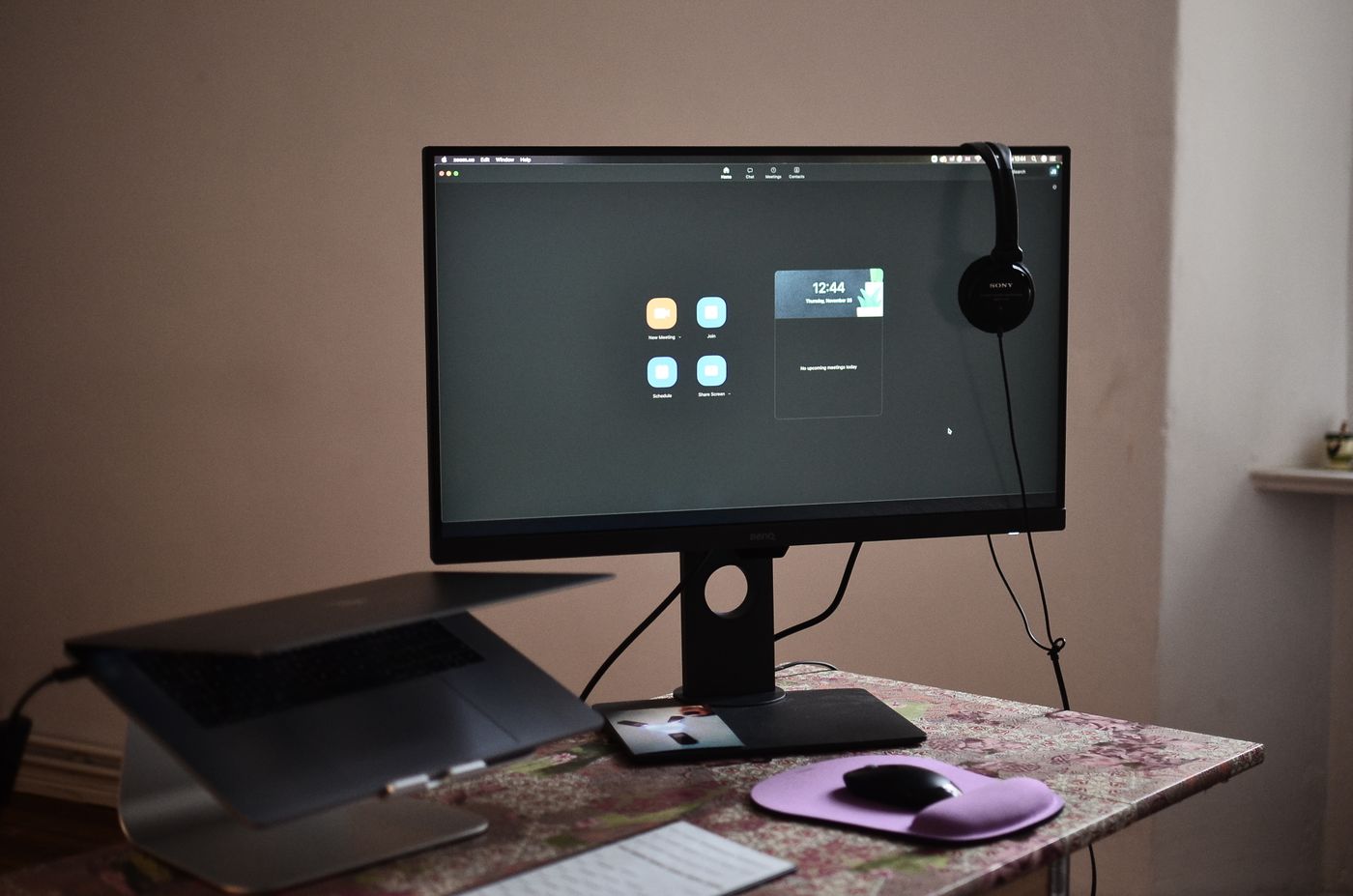
Open a private camera preview in the application you use for meetings. Is the main problem a dark face, a bright window behind you, an awkward angle or a soft image? A new camera may help some of those issues, but not all. Start by identifying the problem rather than choosing a resolution from a product title.
Move the existing camera or adjust your position relative to available light. Check whether your lens is clean according to its care instructions. These simple steps can make it clearer whether you actually need new hardware or a better arrangement of the equipment already on the desk.
Choose a field of view for your space
A wide camera view can be useful for showing a workspace or more than one person. For an ordinary solo meeting, it may reveal more background than you want. Check the stated field of view and whether cropping or framing controls are available in your intended software.
Do not assume automatic framing is always desirable. Some users prefer a fixed, predictable composition. If you move or show objects during calls, test how the camera responds. The best choice is the one that presents the intended view consistently, without requiring repeated adjustments during the meeting.
Resolution is only one part of the result
Higher resolution can provide flexibility for cropping or recording, but the meeting service, connection and settings also affect the delivered picture. Buying the highest-resolution camera does not guarantee that every participant will see a corresponding improvement.
Consider your real use. A straightforward meeting camera may be enough for daily calls, while presentations or recorded material may justify more capability. Read specifications and compatibility carefully. If your workflow requires a particular mode, confirm support across the camera, connection and application rather than relying on the camera's headline alone.
Check mounting and cable placement
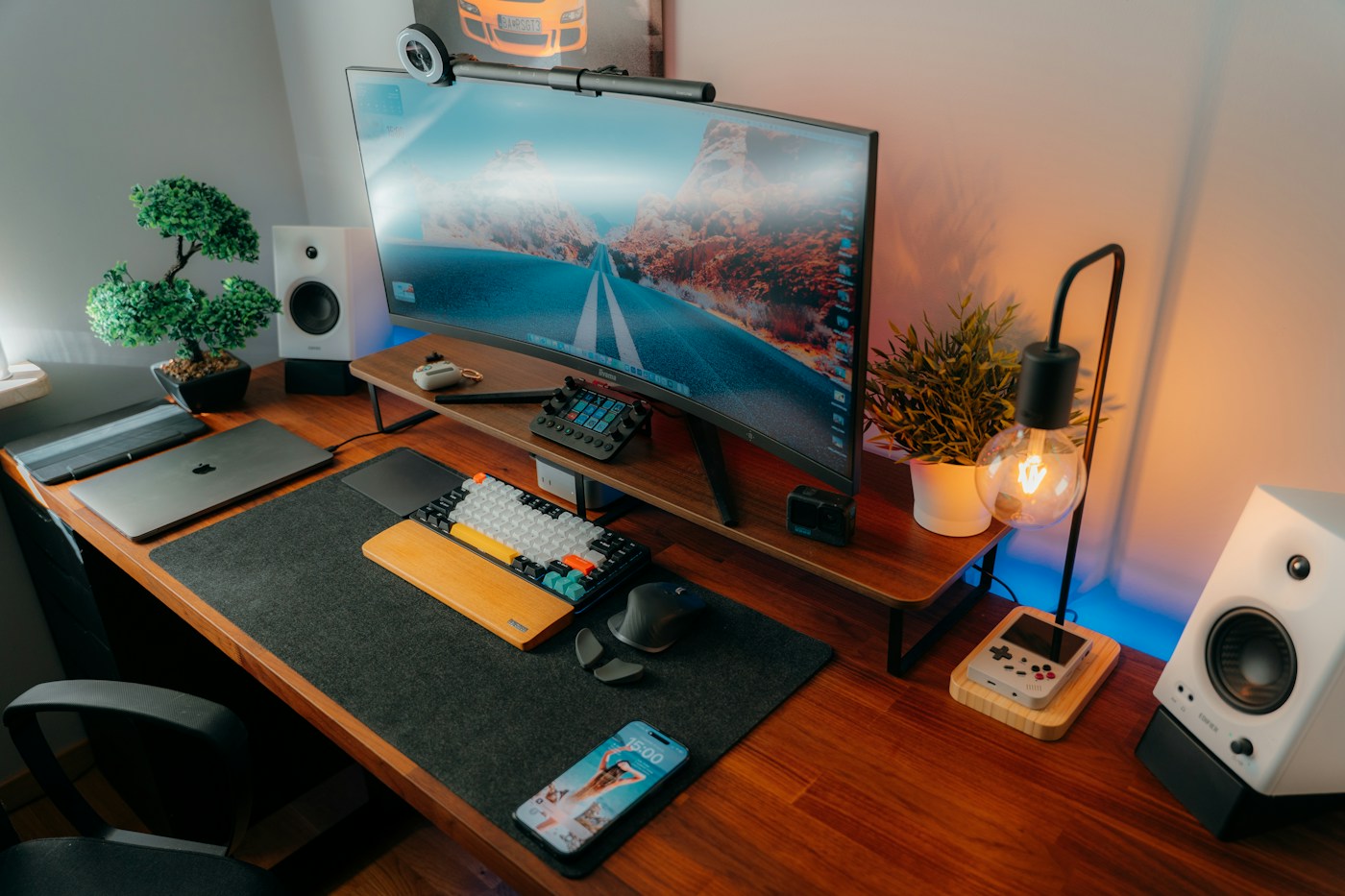
A clip must fit your monitor securely without covering something important or pressing awkwardly on a thin edge. A tripod attachment may be useful when the monitor position is unsuitable, but it also creates another object on the desk. Measure cable length against the actual route to your computer or dock.
Place the camera where it supports a natural meeting setup for you. Do not create a precarious pile of objects to achieve the desired angle. A stable mount and tidy cable route make the camera easier to leave ready between calls, which is part of its practical value.
Treat audio and privacy as separate checks
An integrated microphone is convenient, but it should be evaluated in your room. If you already use a good headset or dedicated microphone, paying extra for webcam audio may add little. Check which microphone the meeting application selects so a purchase does not accidentally change your audio setup.
A physical shutter is a useful visible control for the lens, but closing it does not necessarily disable a microphone. Review software permissions and controls separately. Choose features you understand and can use consistently rather than assuming one privacy feature controls every part of the device.
Test a normal workday workflow
After setup, try joining a meeting, sharing a document, changing lighting and reconnecting the computer. Check whether your selected settings remain useful. A short private recording can reveal framing or focus behavior that is easy to miss in a small preview window.
Our starting recommendation is a well-supported webcam with a suitable field of view, stable mounting and straightforward controls. Upgrade resolution when you can name the task that needs it. For many ordinary meetings, a better camera position and a calmer background are as valuable as buying more expensive hardware.
Common questions
Will a 4K webcam make every call look 4K?
No. The application, connection, settings and other participants' displays affect the delivered result.
Does a camera shutter mute the microphone?
Not necessarily. Check the product's behavior and manage microphone controls separately.
Sources & further reading
This guide combines practical shopping considerations with information from the sources below. It does not represent hands-on product testing.
Source review: November 20, 2026. Product designs and seller terms can change.
Send a correction or a question